
- Balance appears once Mart turns on money pages for your account. Without them, order pages show no earnings.
- API & Activity appears only when your account has an API key.
- “The partner panel is being updated. Please try again in a few minutes.” means Mart is updating the panel.
Overview
Your money at a glance, with Withdraw when you can ask now, Needs your attention (each item links to what to do), summary tiles, and your latest orders and movements.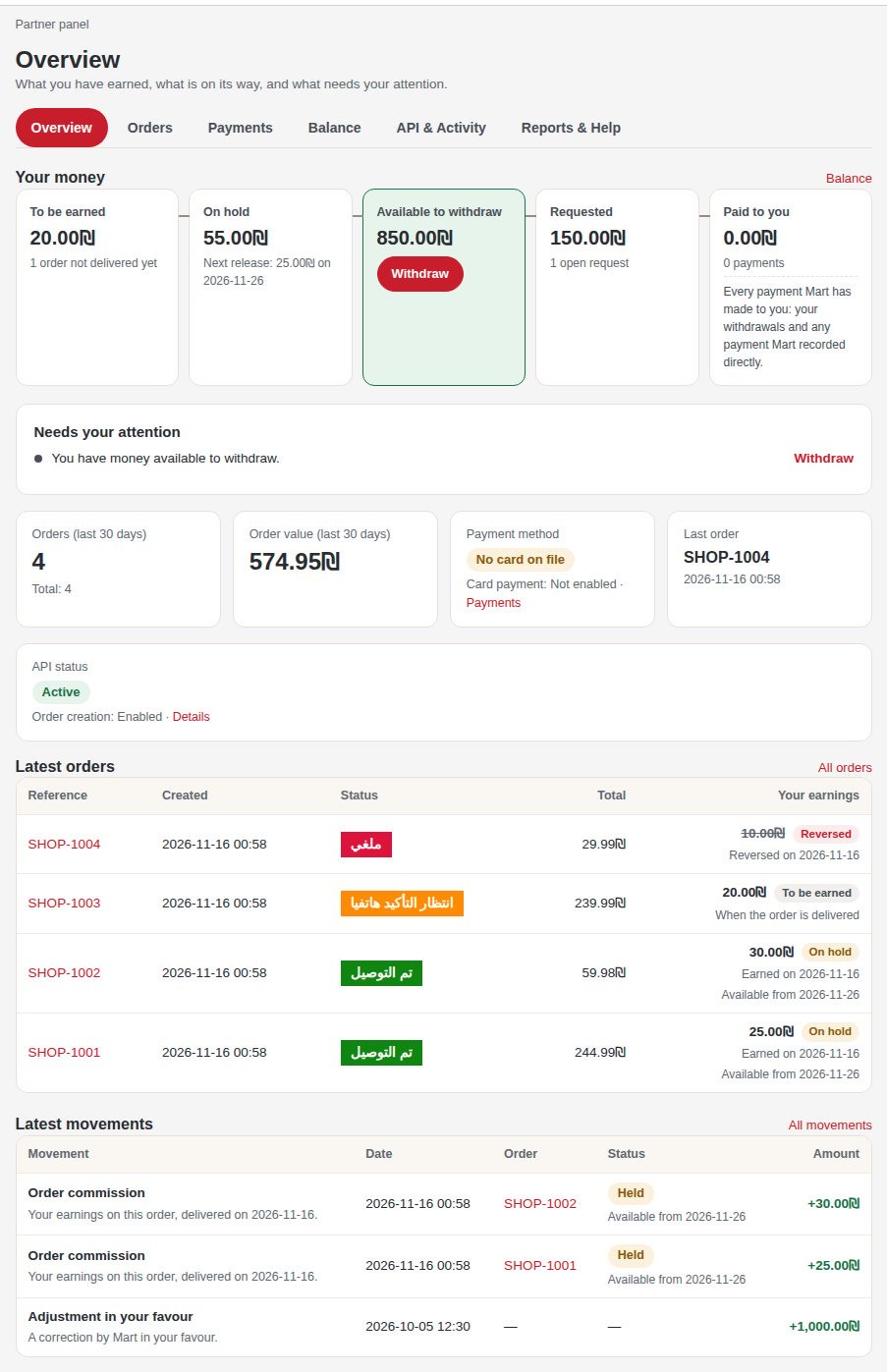
The Overview of a sample account.
Orders
Every order, with its Customer and Phone. Filter the list, or Search for a reference, a customer name or a phone. Download CSV saves the filtered list, up to a number of rows set by Mart. Each order page shows its earnings, its products with their images, Your price, Group price (your cost price) and Your reward, its totals, address, Status history and Changes by Mart: see Your orders.Payments
How your orders were paid, and the card Mart charges for card orders. Add payment method or Replace card makes one small verification charge, shown beside the button and not refunded; Remove makes card orders fail until a card is saved. Without a button, the tab says “To add a card, contact Mart.”Balance
Your money, with Movements, Statements, Payout method and Withdrawals: see Your money and Get paid.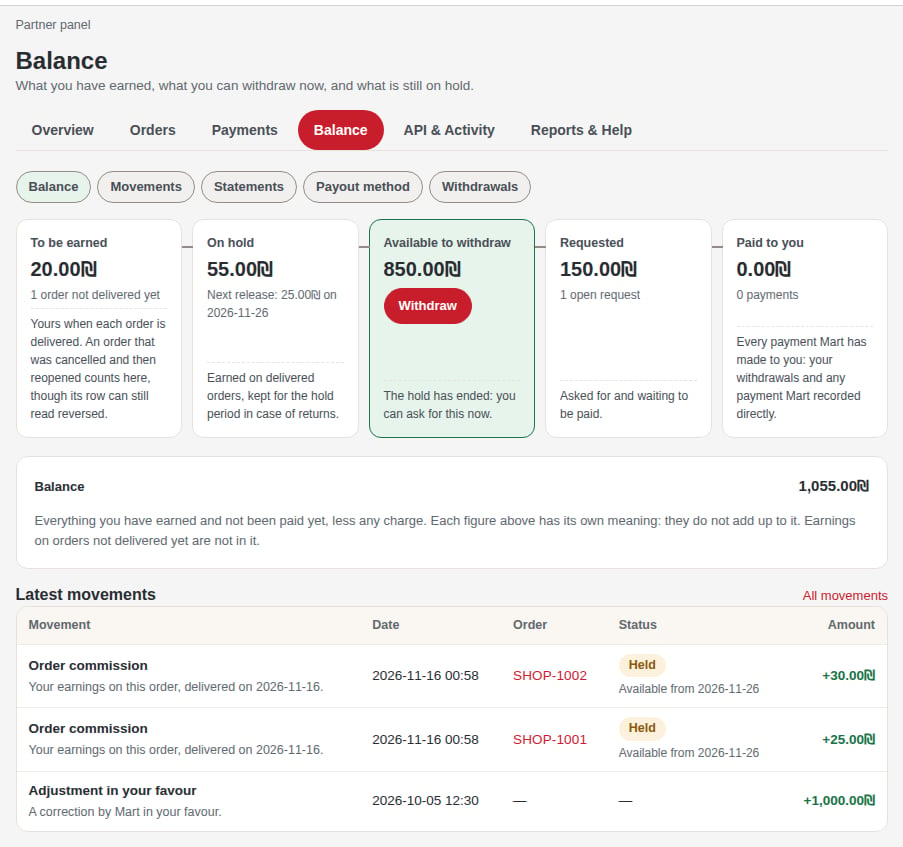
The Balance page of a sample account.